- Get Started
- Video Tutorials
- Knowledge Base
- FAQs & Troubleshooting
How to print pick list?
Updated on 2026-04-03 07:21:23
I. Set Up the Pick List Template
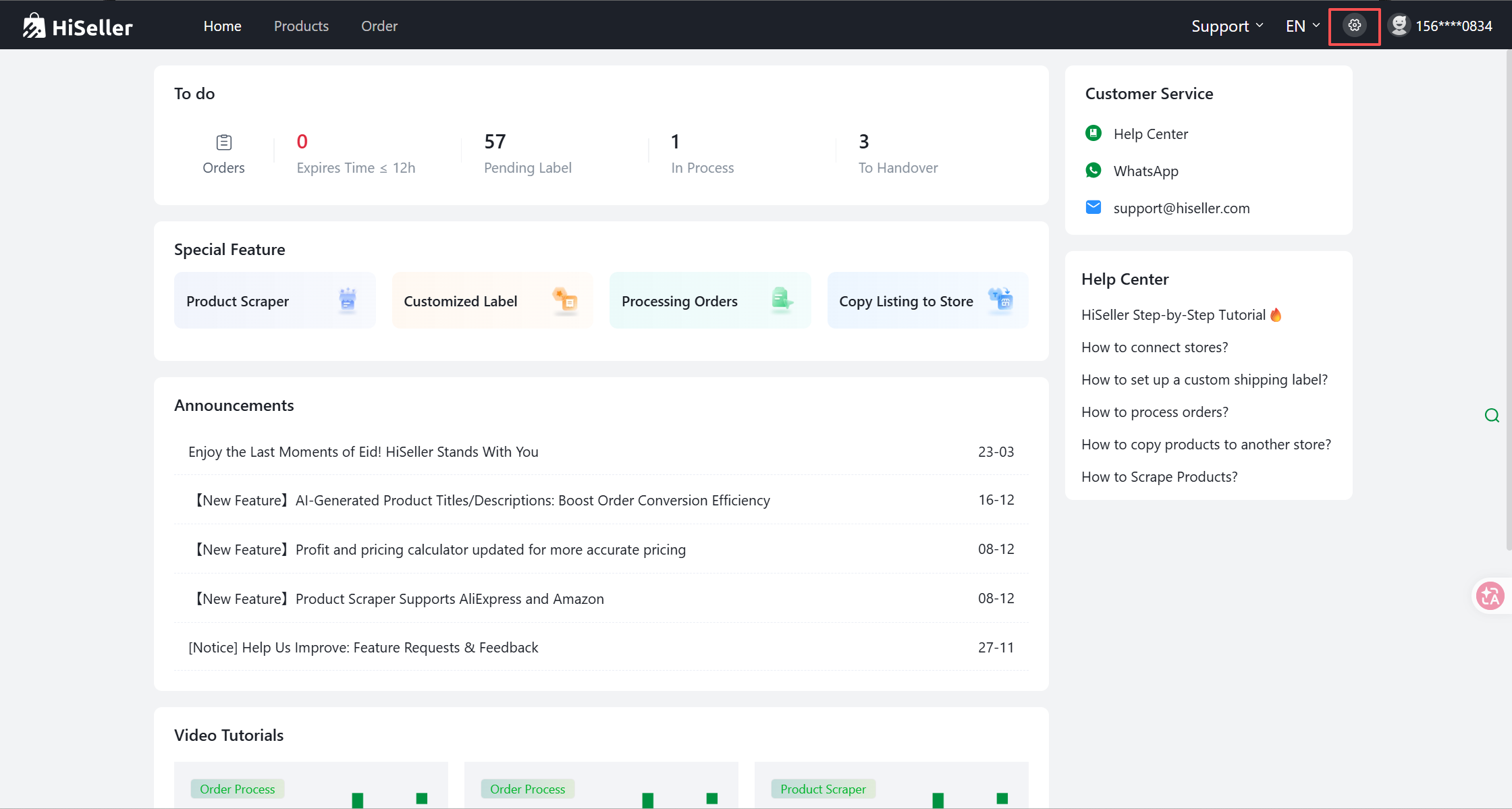
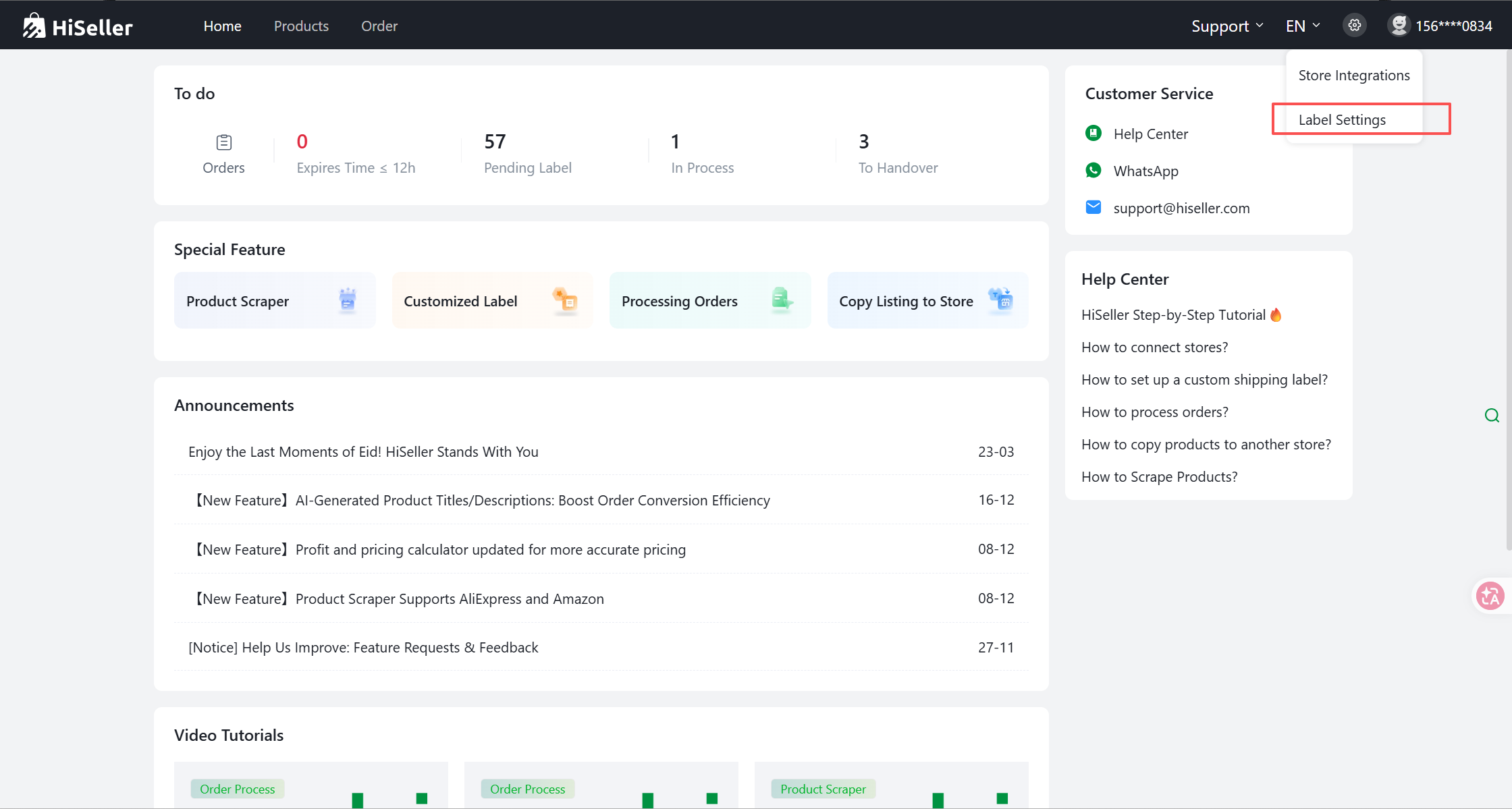
Step 1: Go to Settings > Label Settings > Pick List.
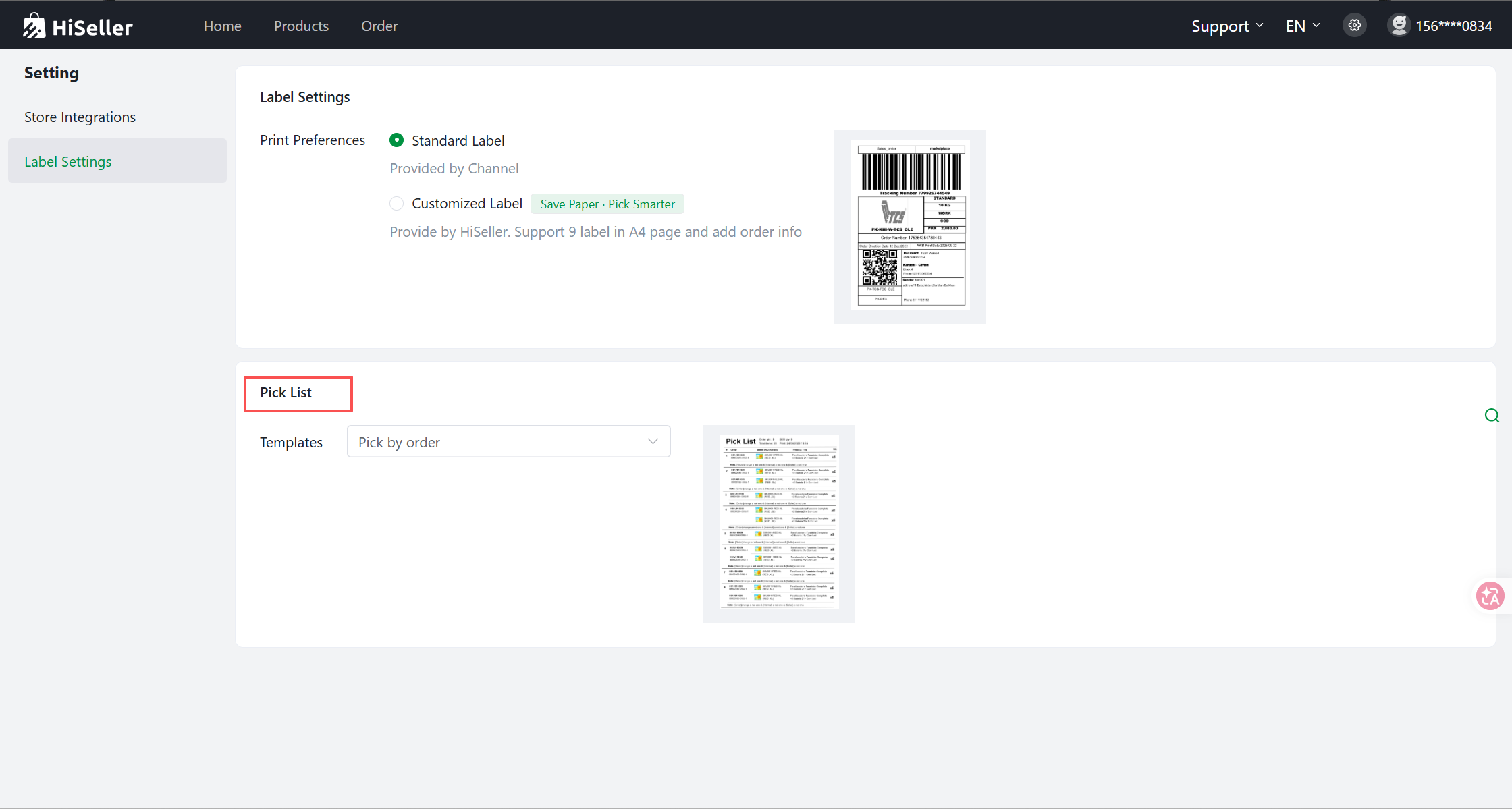
Step 2: Click Templates and select either Pick by order or Pick by item.
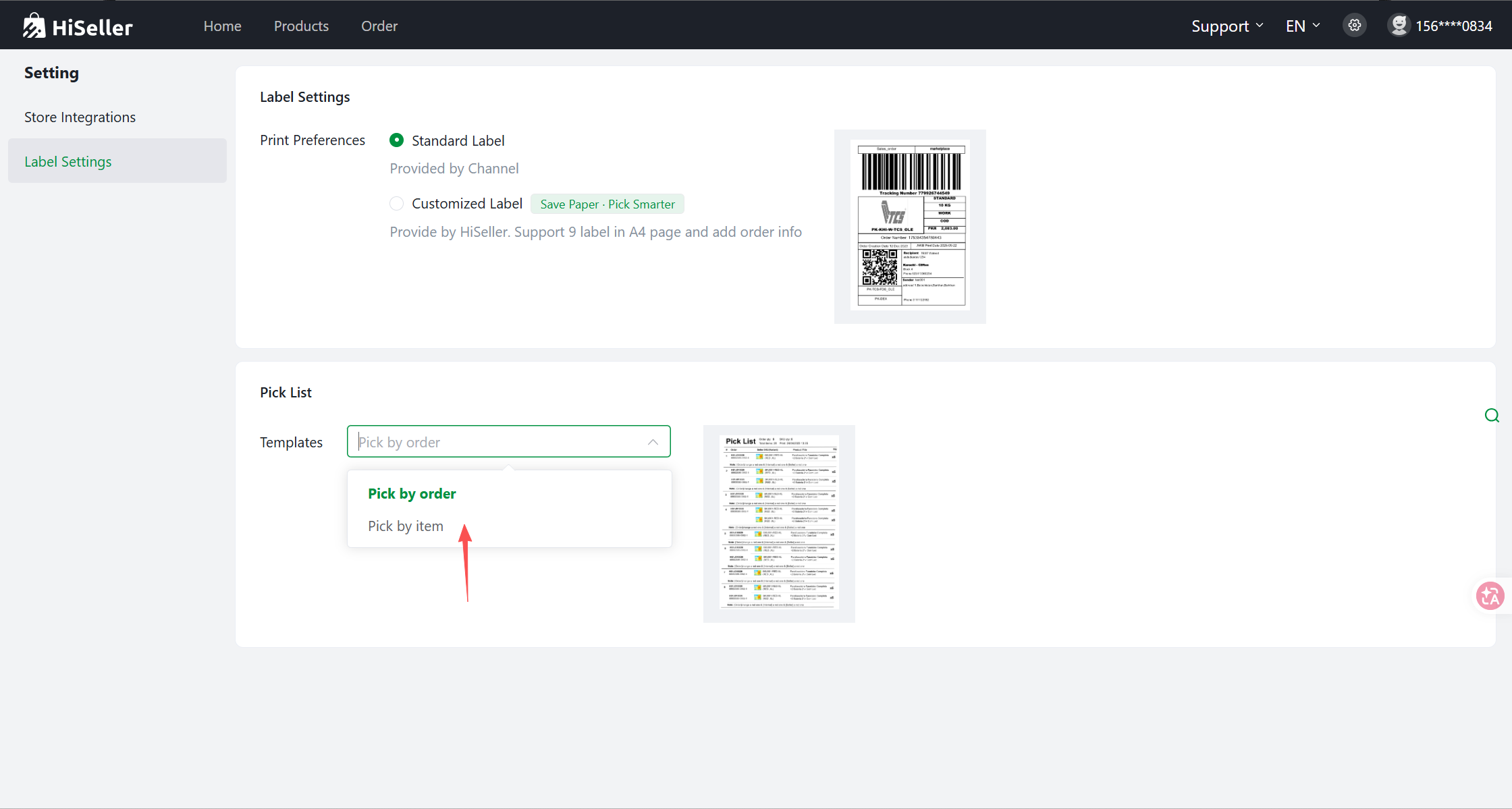
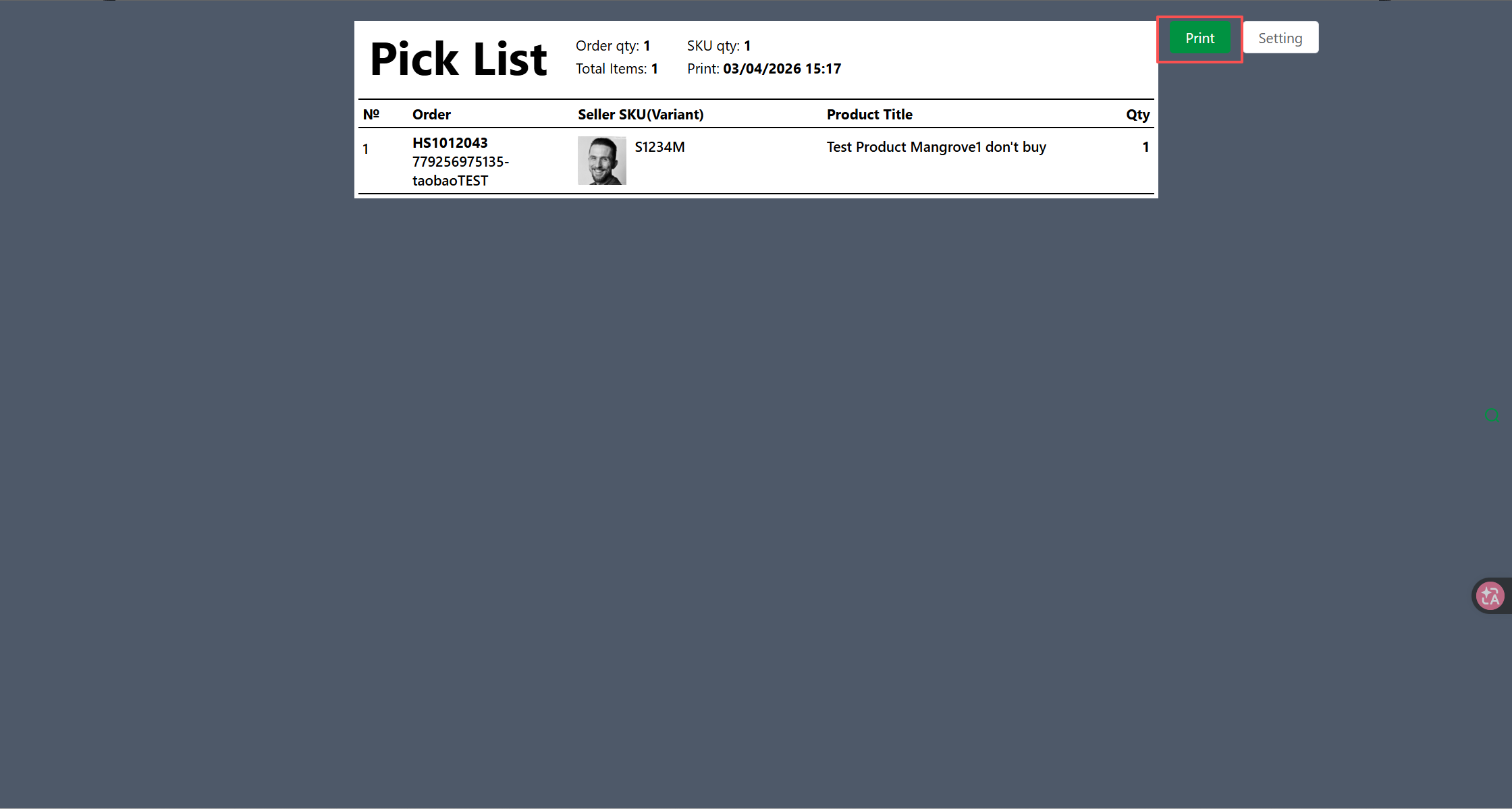
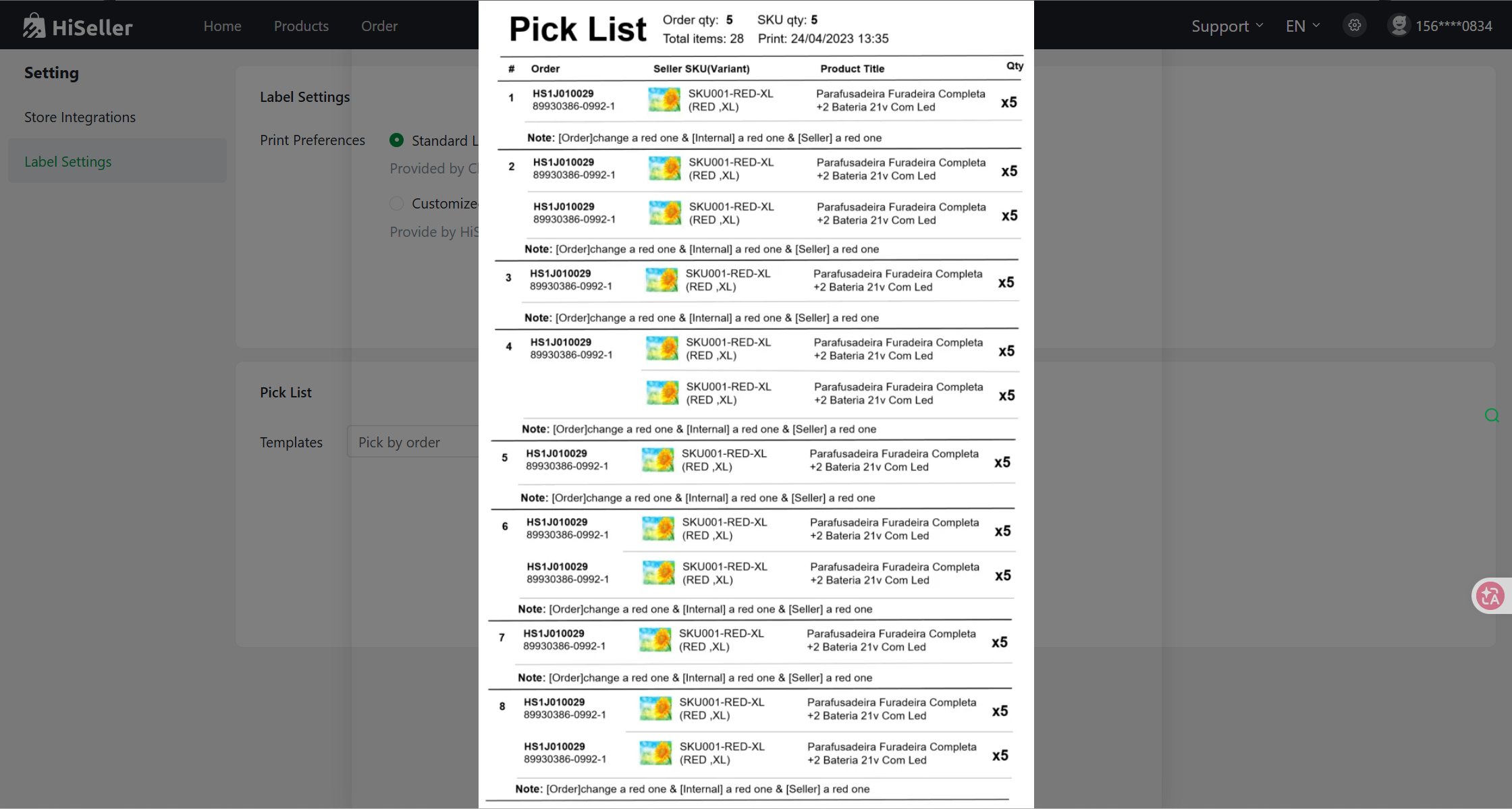
Step 3: Once configured, click the [Preview] button to see how the printed template will look.
II. Print the Pick List
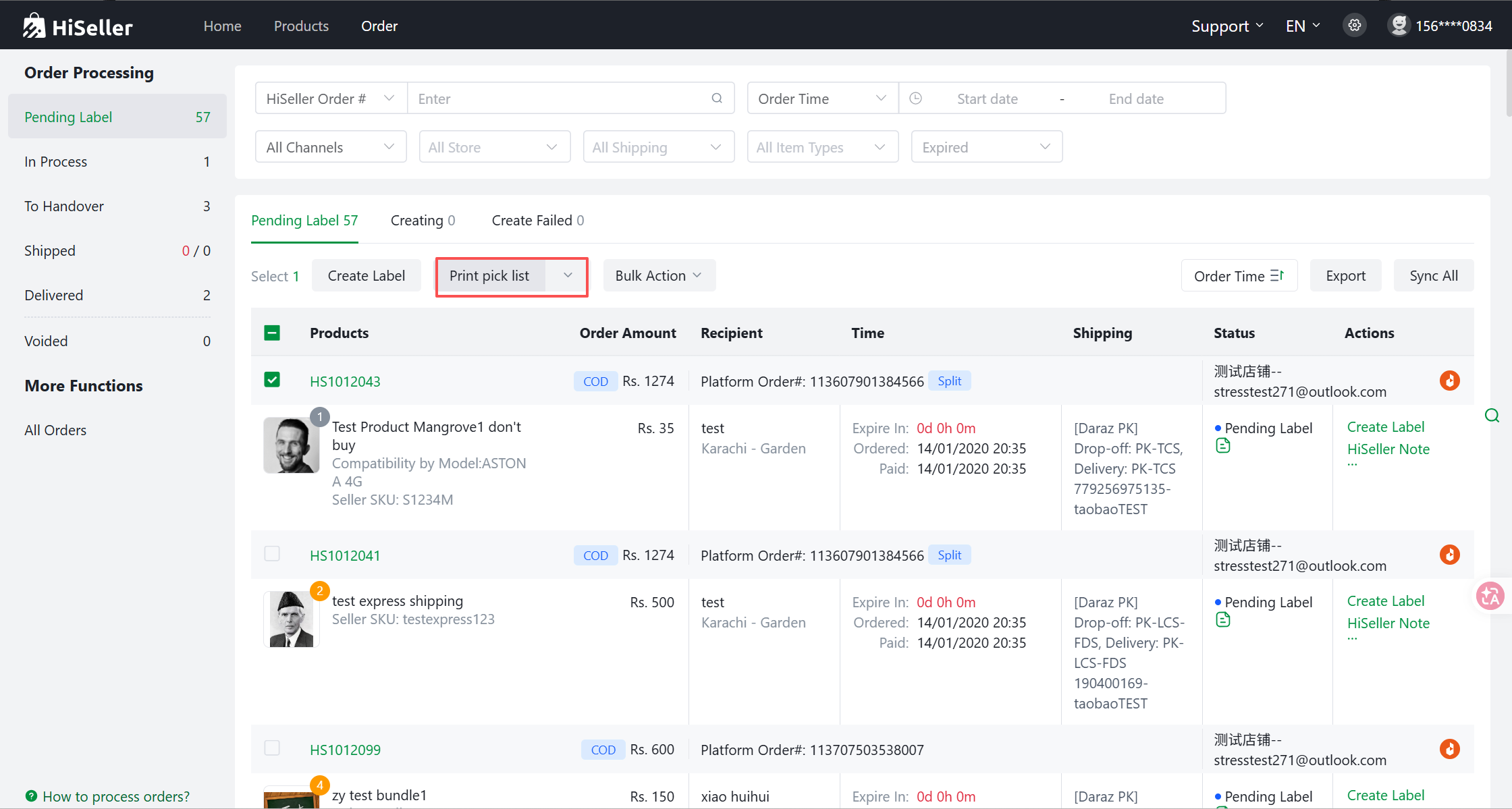
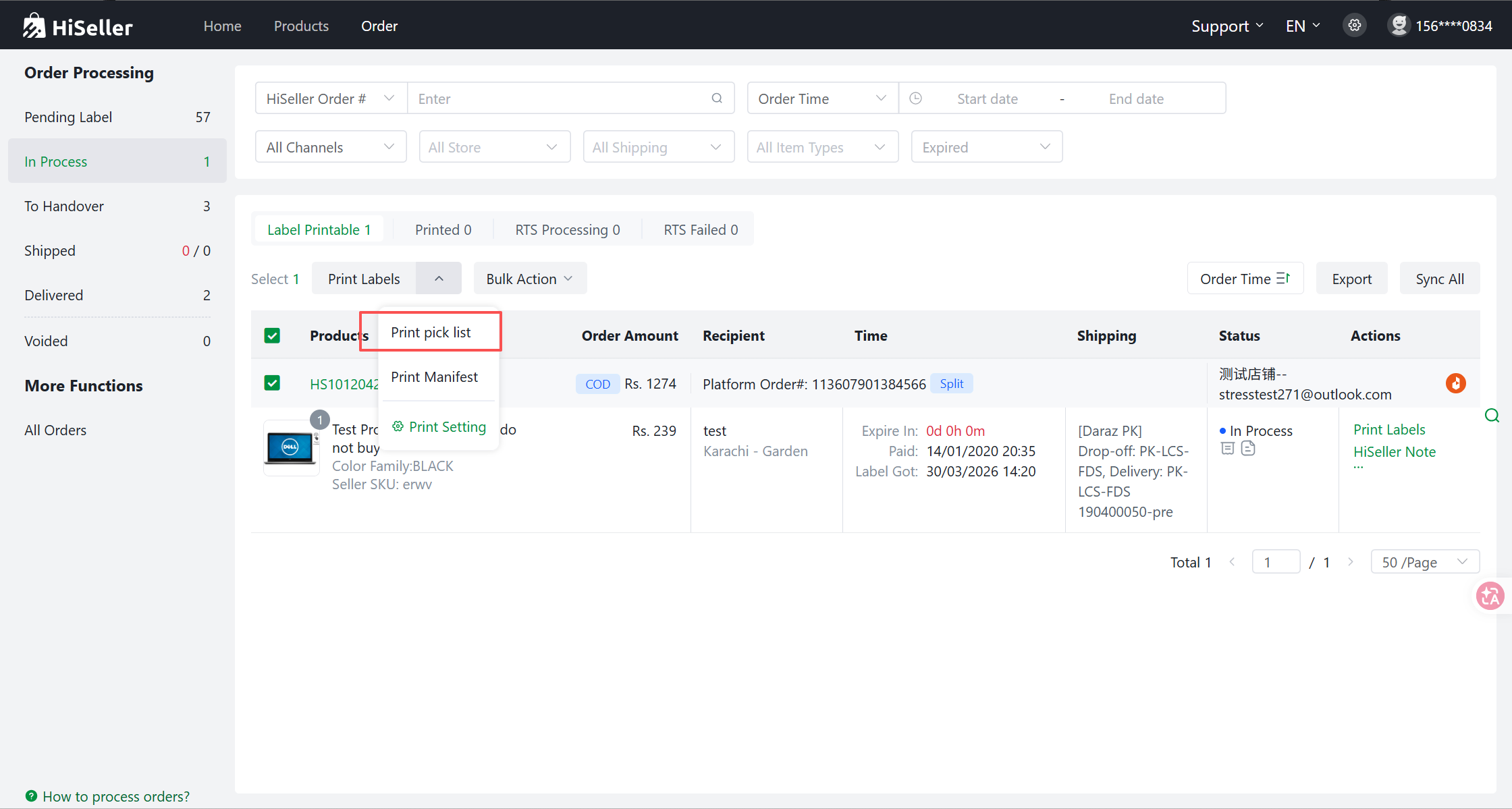
Step 1: Go to the Orders page and click on Pending Label / In Process
Step 2: Select the desired orders (check the boxes) and click Print Pick List.