- Начало работы
- Видеоуроки
- База знаний
- FAQ и решение ошибок
Product Creation Method 2: Import Products via Excel
I. Definition
This method helps you quickly build an item list and improves the efficiency of inventory preparation, enabling you to rapidly utilize the inventory features.
II. Operation Entry
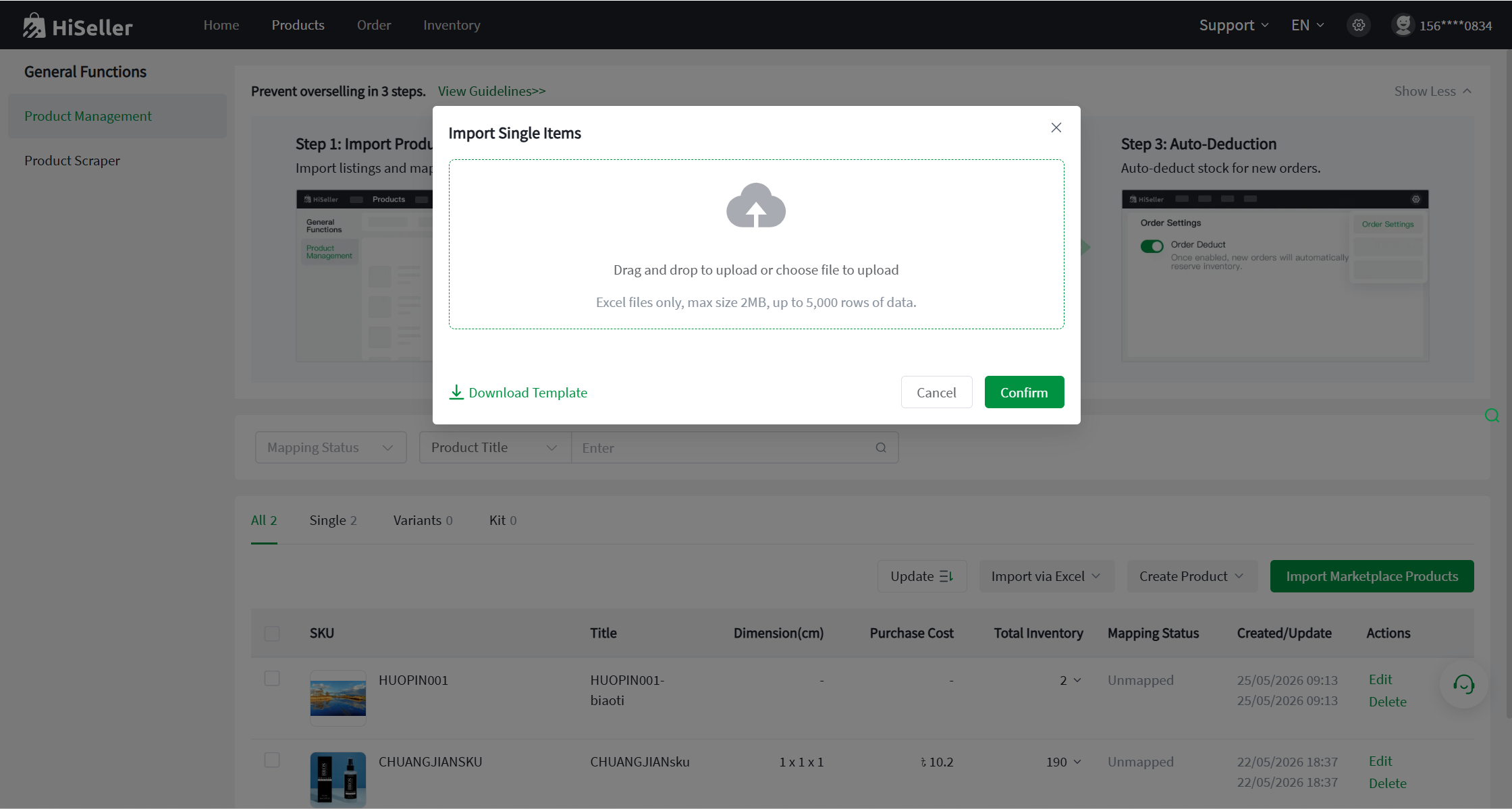
Go to the [Products] >> Product Management >> Import via Excel .
III. Import Operation Steps
Select the item type you wish to import (Single / Variants / Kit), download the import template, fill out the template with your item information, upload the file, and click Import.
Note: A maximum of 5,000 rows of data can be imported at one time. If the spreadsheet contains more than 5,000 rows, the excess data will not be imported. The system will display an error prompt on the page and generate an import failure file, which you can download, review, and re-import.