Product Management: Creating Variants
更新于 2026-06-24 08:37:33
Operating Steps
Step 1: Go to Products >> Product Management >> Create Product >> Variants
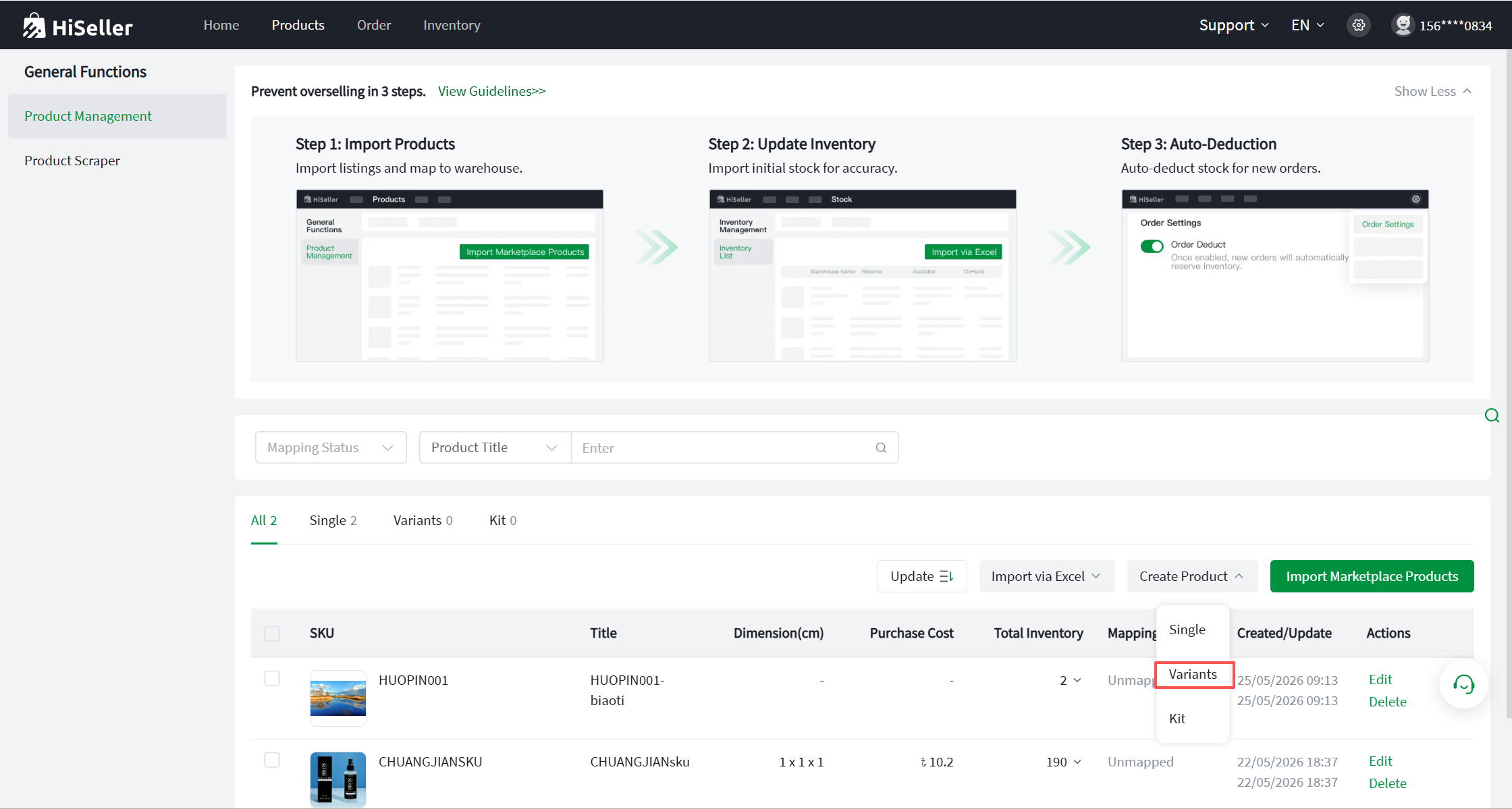 .
.
Step 2: Fill in the basic item information (Fields marked with an * are required, others are optional).
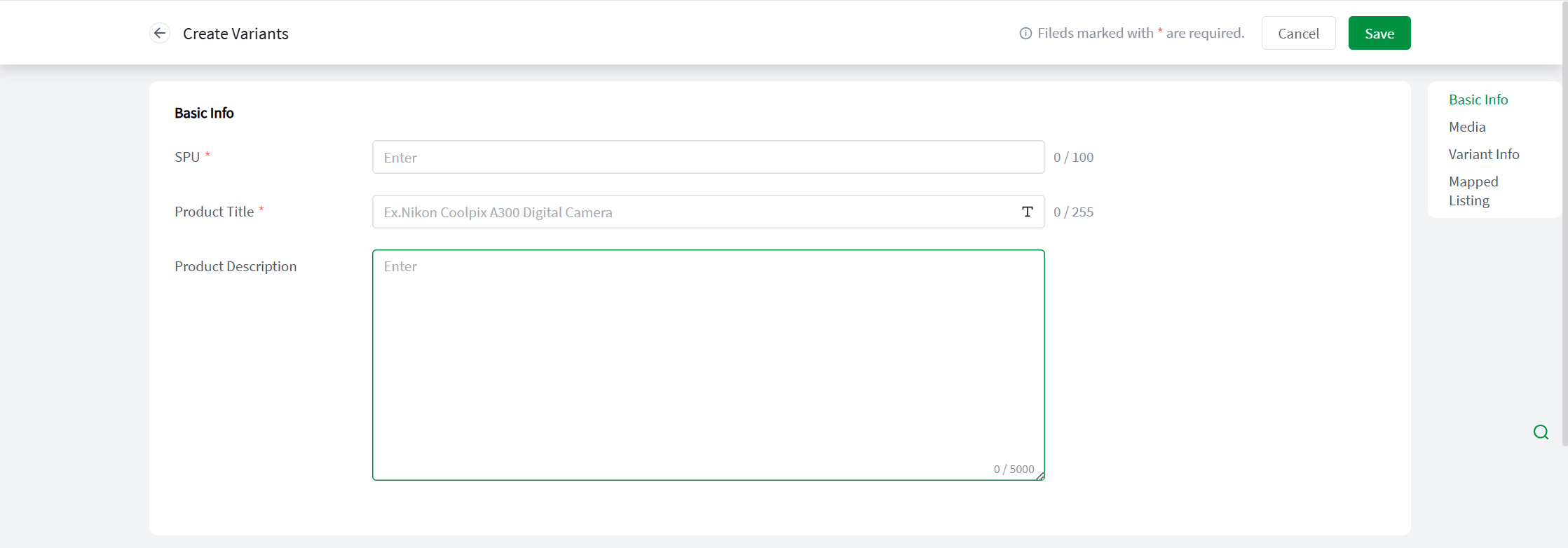
- SPU: Refers broadly to a product category or model. It is customizable but cannot exceed 200 characters. Once created, it cannot be modified; to change it, you must delete it and recreate it (Chinese characters are not supported).
- Title: Cannot exceed 500 characters. Click "Aa" to support quick capitalization of the first letter.
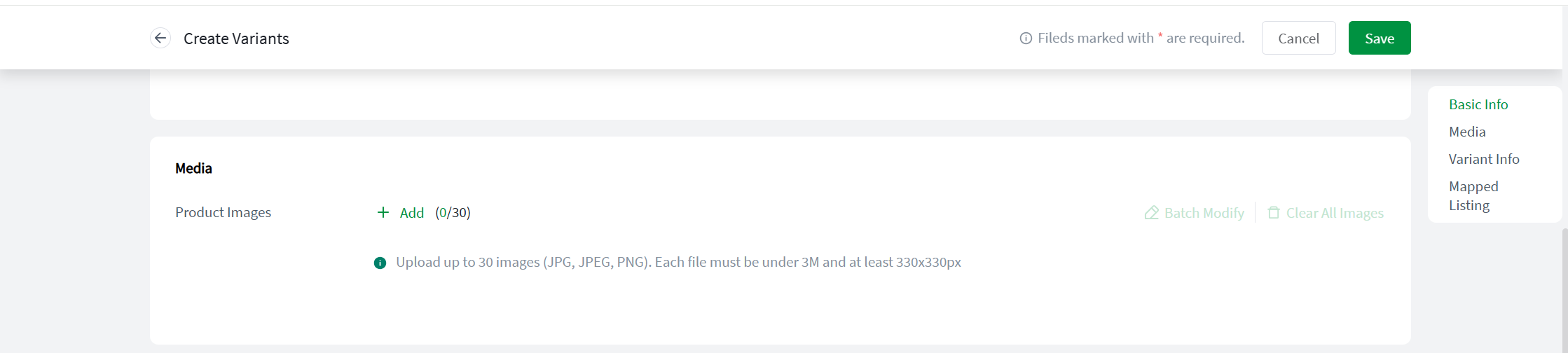
Step 3: Add media files.
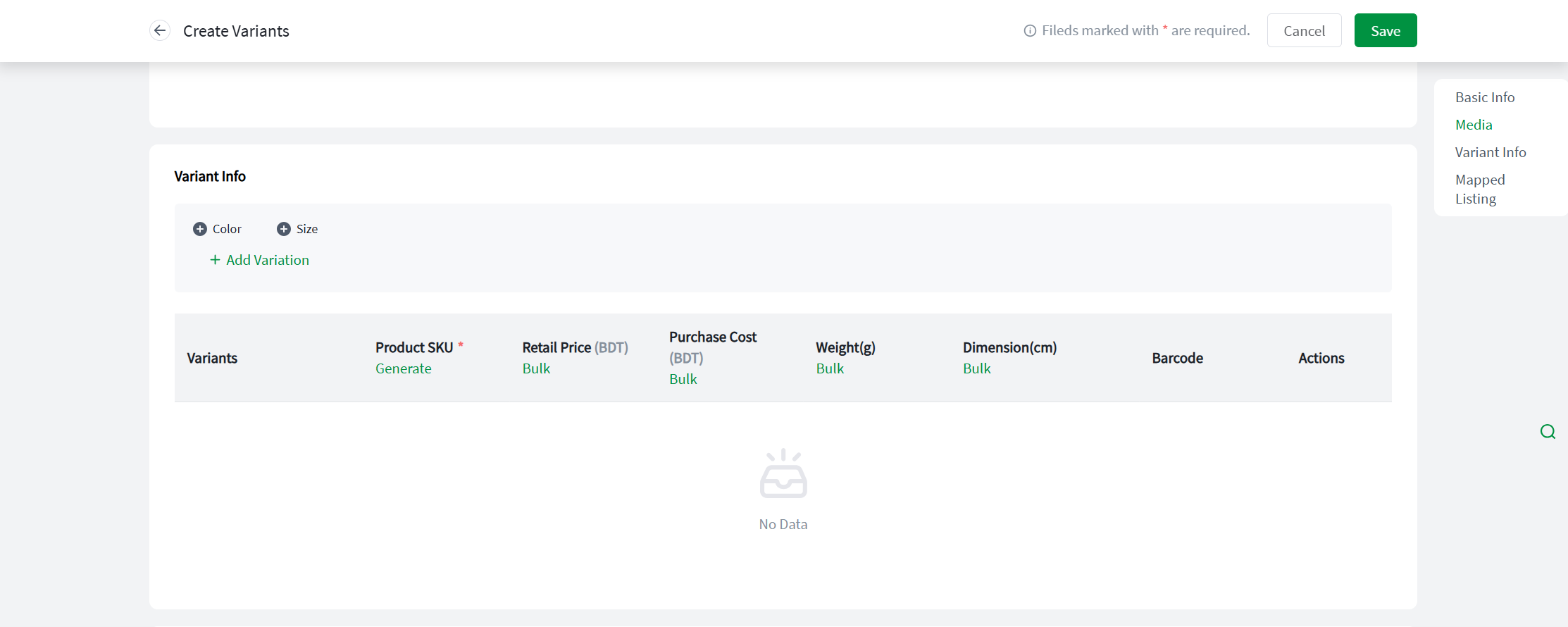
Step 4: Select and complete the variant information.
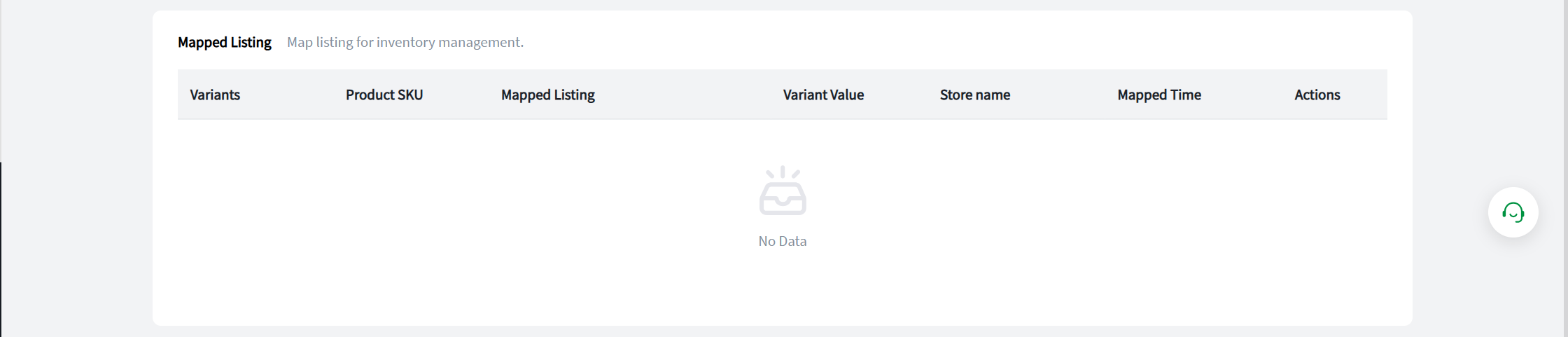
Step 5: Map Store SKU. Establishing the mapping relationship between the Store SKU and the Item SKU is essential to ensure the accurate execution of the inventory deduction feature.
Step 6: After completing the relevant information, click Save to finish. Once successfully created, the item will be displayed in the Item List.